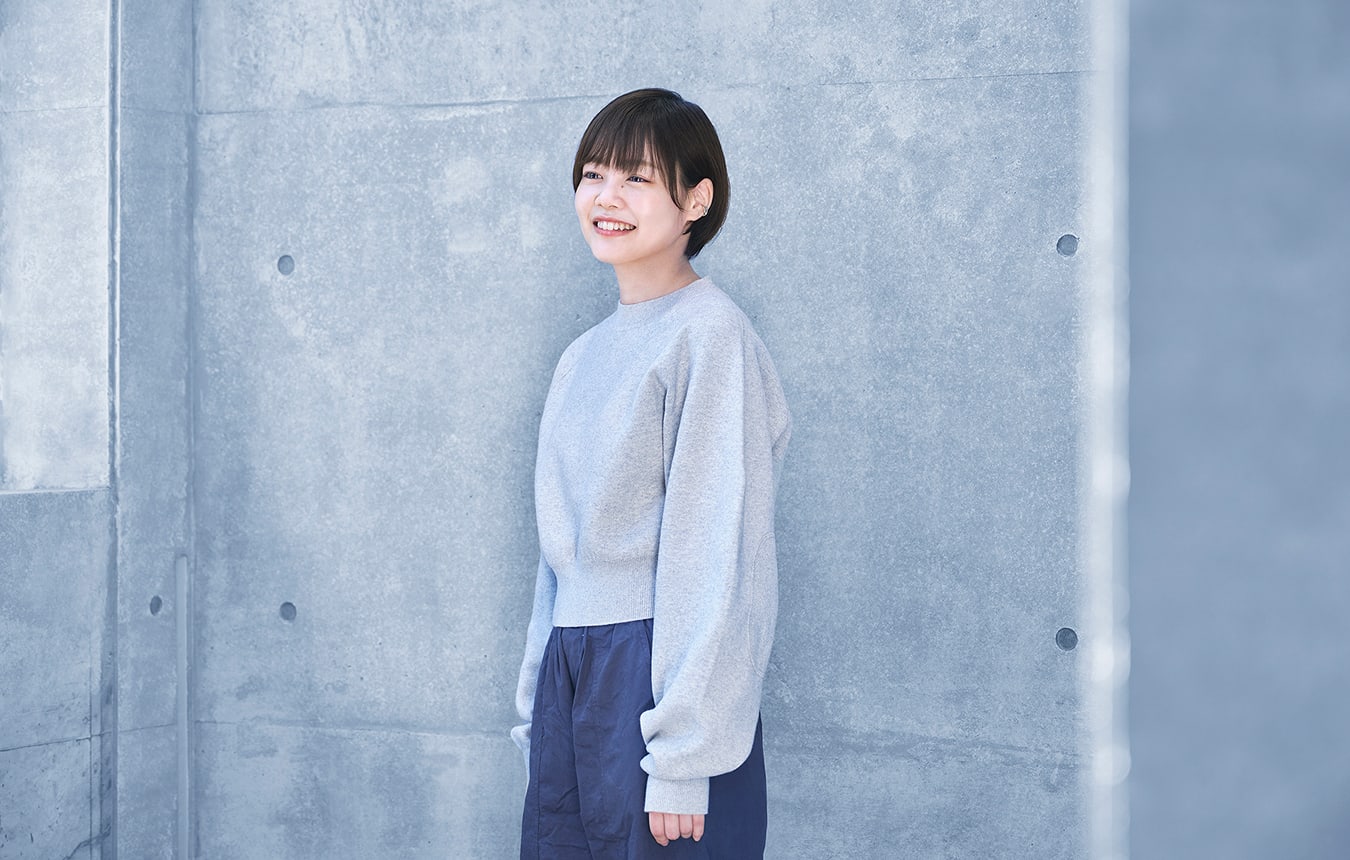
The instax WIDE Evo™ is a premium model in the instax™ series. How did you come to be the UI designer?
Product planning was already in progress when I joined Fujifilm, and I joined the project in the summer of my first year. UI development for hybrid models is normally divided between separate designers for the app and the camera itself. However, the WIDE Evo was the first project that I had been a main designer for, and I had the opportunity to be involved in every aspect of the UI design.
What did your work involve?
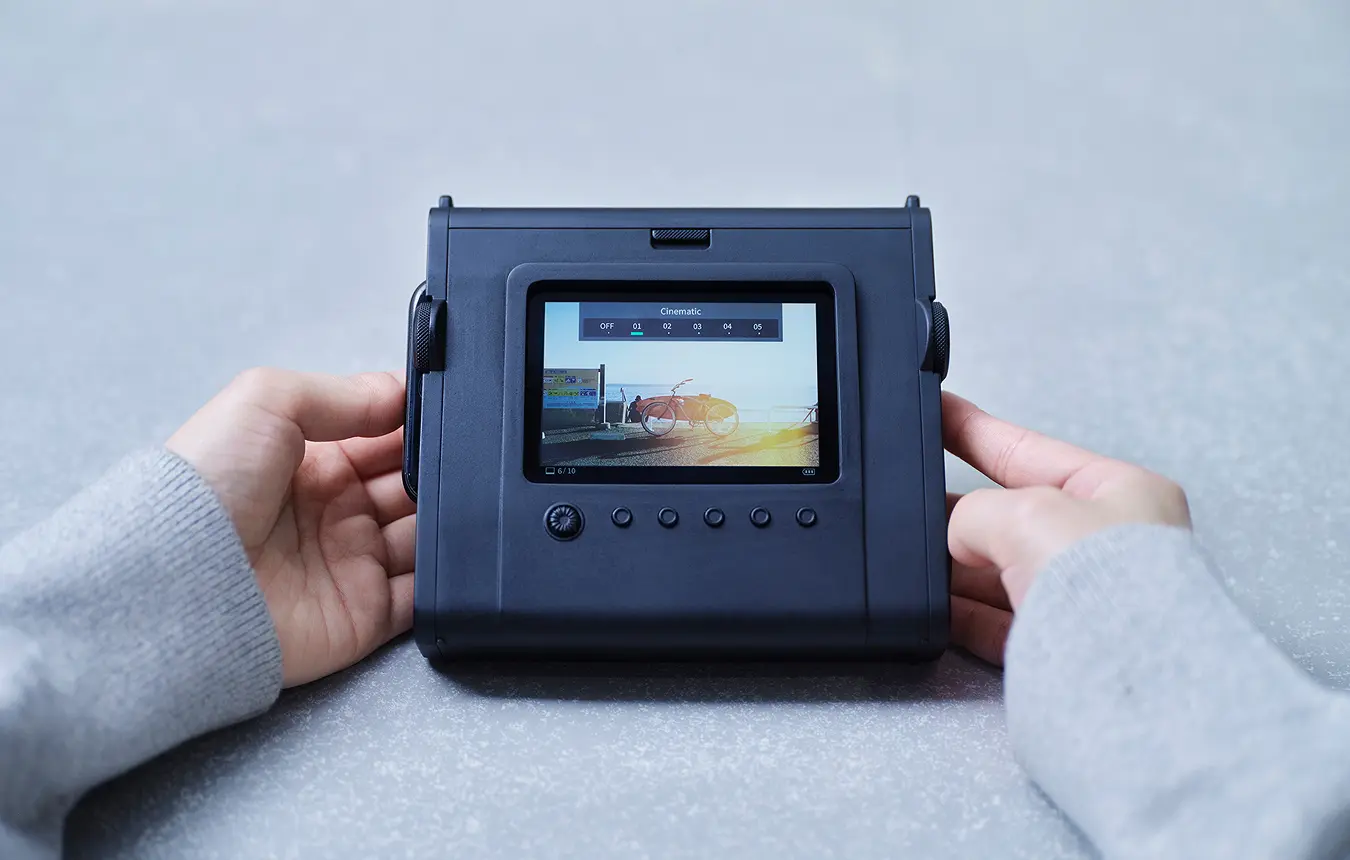
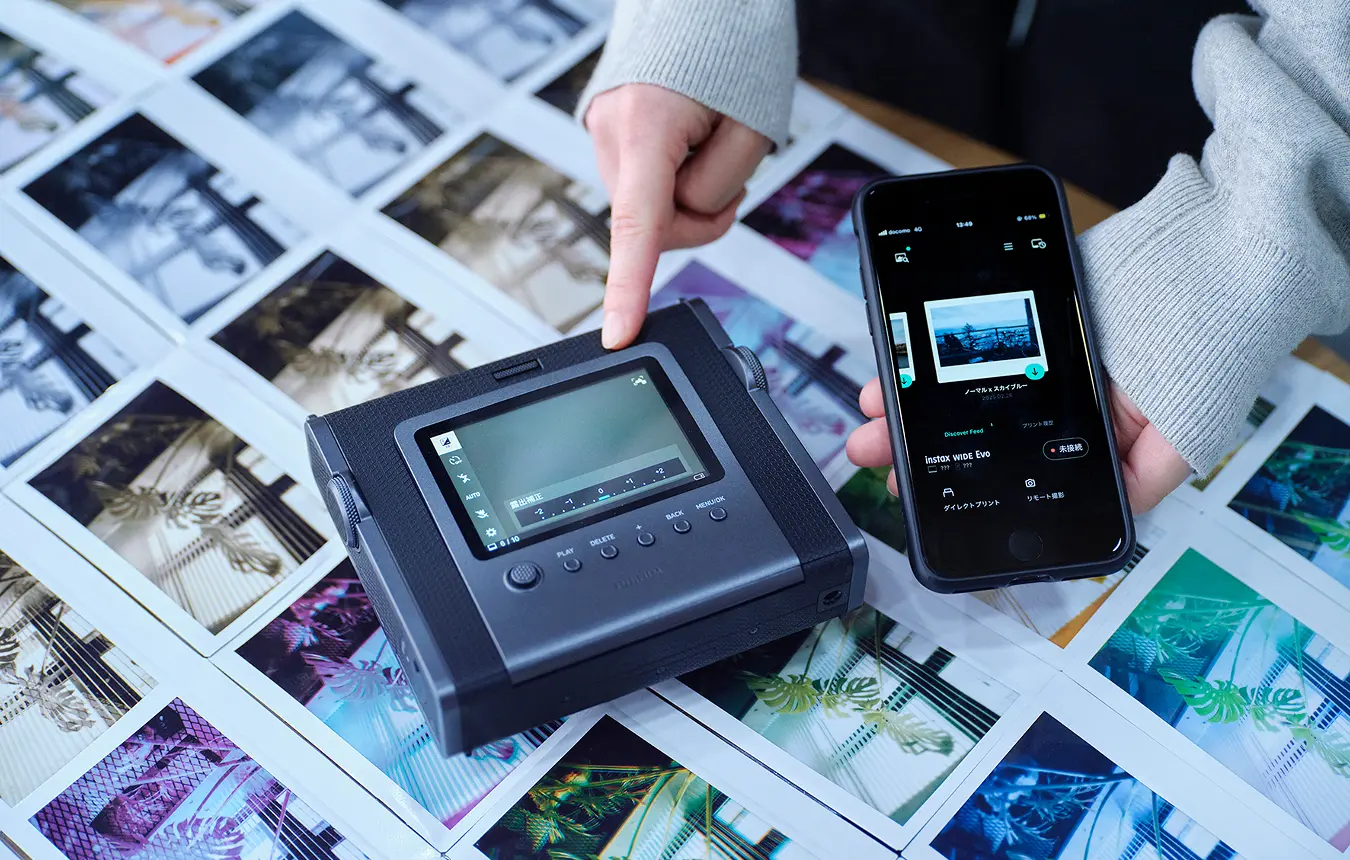
My design covered three main areas. First was the UI for the LCD on the camera body, including the menu display and hierarchy design. Second was the specifications for the camera's new effect functions. Third was the UI for the app that links with the camera to give users access to various functions.
How did you start your work on the design?
The WIDE Evo was developed for a target audience of men in their 30s who are particular about certain things. Rather than fun, hobby-like photography, we aimed to provide an image creation experience through which such users can take the time to craft photographs that truly align with their style. That intended experience was the jumping off point for exploring the functions and design.
The WIDE Evo’s predecessor, the mini Evo, offered a rich array of image effects. How have the functions evolved?
We put the most effort into the effect functions. In addition to the ten film and lens effects that the mini Evo had, we’ve incorporated a new degree control feature that enables users to adjust the light and color gradation in 100 stages. During this process, we kept the concept of authenticity top of mind. For example, with the light leak effect, we exposed real film cameras to light, then extracted the way this appeared in sample images to create an effect that feels both real and expressive. We were also determined to achieve nuanced expression that encapsulates the user’s intent with the other effects. This was achieved through methods such as creating sample images featuring those motifs, then carefully breaking down the elements of each image to translate them into processing parameters.
Together with the film styles and wide-angle mode, there are more than 100,000 possible expressions. With so many options, were you worried that some users might struggle to find the effects that suit their style?
We considered that possibility, and put forward an idea for a function that enables users to select effects based on sample images. That function has been implemented through the app by enabling people to import settings from photos that other WIDE Evo users have uploaded to social media. I hope that this feature of the app can help awaken users’ desire to engage in photography.
This rich array of effects is quite different from the simple “shoot, print, done” charm of analog instax™ cameras. How has the control system UI evolved?
Even in a device with this vast array of functions, we’ve carried on the intuitive operability that is inherent to instax™. To achieve this, we remained very aware of the concept of cohesion with the WIDE Evo. For example, for the lens and film effect dials, the menu values are displayed along each dial’s direction of rotation to enhance visibility. Other key points of the GUI include the precise scale display linked to the satisfying clicking sensation of the lens ring and the filling of the gauge based on the winding of the print crank.
While being a digital device, various elements of the design demonstrate a conscious effort to incorporate analog sensations.
That’s also reflected in the fact that we added sounds to accompany operation of each button and dial. With instax™ products, the product and UI designers work in tandem on the sound design. By considering sound in parallel with the GUI, we were able to coordinate the feel of the physical controls with the movement and sound of the on-screen menus to cultivate a unified worldview.

Are you fond of any sounds in particular?
I like the sound when you press the button on the top of the camera. Pushing the button turns on an LED with a warm orange color, incorporating a design motif inspired by vacuum tubes. We created a sound that evokes the image of the light gradually turning on.
Did you encounter any challenges as a result of being involved in so many elements of the design?
One thing that stands out is that this project required coordination between a lot of people, from those working on the body to people involved in the app, effects and sounds. In the process of exploring the specifications to use for the effects, I had my first experience working with a specialist responsible for image quality design and development for X Series digital cameras. We had never had an image quality designer take part in an instax™ development project before, and we struggled to find ways to communicate the design intent at first, but we tried a few approaches and eventually put together documentation that served as a catalyst for some lively discussion. At that moment, I felt a great sense of accomplishment.
What impact do you expect the WIDE Evo to have for the instax™ series?
Young women are the largest demographic among instax™ customers and often use our products to take group photos with friends and family. However, when we researched how existing wide-format products were used, we found that people utilize the space that the format provides to capture photos of objects and landscape shots. I hope that the WIDE Evo provides an opportunity to expand beyond our typical target demographics and is embraced by people who are particular about that type of image creation.
What qualities do you think a UI designer needs to demonstrate?
In terms of designing UI for instax™, I think that taking joy in embracing new challenges is important in order to create something the world has never seen before. With instax™ products, rather than problem solving, there is a strong emphasis on providing new types of value. That sort of work suits people who can let their dreams and imagination run wild. While the required qualities vary depending on the business area, Fujifilm Design Center is a place where each person can make the most of their own individuality, no matter the field.
In the four years since you joined Fujifilm, have your thoughts about the role of a designer changed?
I still think that a designer’s main job is to put forward designs that can lead directly to product creation and to make those designs a reality. That hasn’t changed. However, people also expect other things of us. For example, the product planning team often ask us to design explanatory materials to present to senior staff in the business divisions. As designers, our expressive skills are also valued in various situations beyond product design, such as visualizing and communicating the perspectives of stakeholders. Whenever time allows, I hope to be able to answer those calls too.
- Original text by Masahiro Kamijo
- Photos by Sayuki Inoue
- English translation by Craig Murray